

Light Switch Not Working? Safe Checks Before Service

If a light switch is not working, do not start by removing the wall plate. First look and listen. If the switch or cover plate is warm or hot, discolored, cracked, loose, buzzing, sizzling, sparking, giving a shock or tingling sensation, or producing a burning smell or smoke, stop using it. If it is safe to reach the breaker without entering water or touching damaged equipment, turn off the affected circuit and call a licensed electrician. Leave and contact emergency services for smoke or fire.
If none of those warning signs is present, the safest troubleshooting path stays outside the wall: confirm the normal controls, check a user-replaceable bulb, compare nearby lights and outlets, look for an accessible GFCI that may have tripped, and check the breaker once. These steps can separate a simple bulb or control issue from a circuit or switch problem without opening any electrical enclosure.
Quick Check: Do This in Order
Confirm the correct switch, three-way switch position, pull chain, smart-bulb app setting, or fixture remote using only normal controls.
Turn the switch off. If the fixture is cool, stable, dry, and designed for normal bulb replacement, try the correct rated bulb or a known-good compatible bulb.
Check whether nearby lights and outlets also lost power. A wider outage points away from a single bad bulb.
If an obvious, dry, undamaged GFCI controls the area, use its normal RESET control once. Do not force it or keep resetting it.
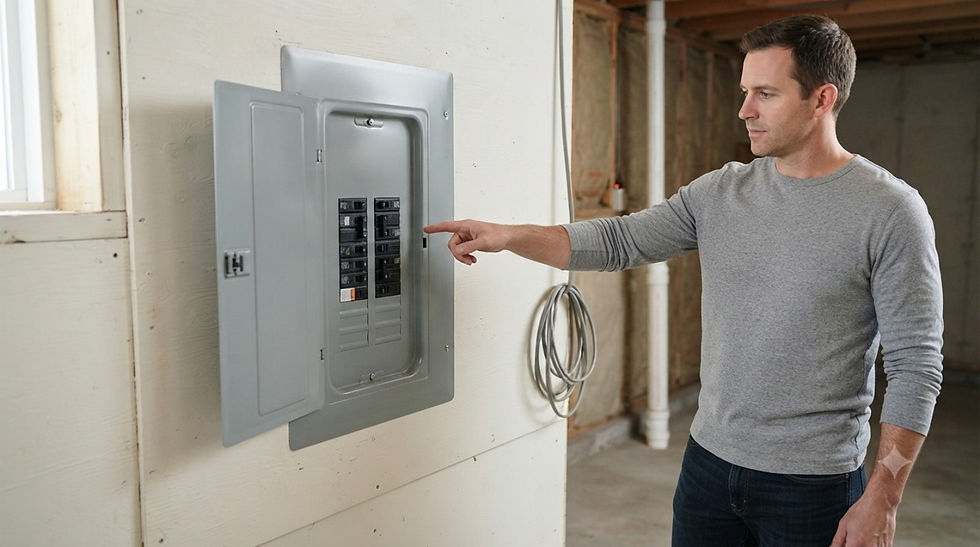
At the electrical panel, only if it is dry, intact, and normally accessible, check for a clearly tripped breaker and reset it once. If it trips again, stop.
If the light is still dead, or the switch feels abnormal in any way, arrange licensed electrical service.

Why a Dead Light Does Not Automatically Mean a Bad Switch
A switch is only one part of the path. The same symptom can come from a failed bulb, a fixture with its own pull chain or remote, a smart bulb that has been turned off in software, a tripped GFCI, a tripped breaker, or a loss of power affecting more than one device. Identifying the pattern keeps you from replacing the wrong part—and keeps the investigation within a safe homeowner boundary.
The key distinction is external versus internal. You can safely observe what else has power and use normal operating controls. Diagnosing conductors, terminals, grounding, boxes, panels, dimmer electronics, or fixture wiring requires proper test equipment and electrical training. This guide does not ask you to remove a cover plate, open a fixture canopy, or touch wiring.
1. Confirm Which Control Actually Operates the Light
Start with the controls people use every day. In a hallway or stairway, the light may be controlled by two or more switches. Try the other normal wall switch once. If the fixture has a pull chain, built-in button, remote, occupancy sensor, or timer, confirm that control has not been left off. For a smart bulb, use the manufacturer’s app only if the bulb and fixture show no warning signs.
Do not repeatedly flip switches to make a fault appear. A switch that works only when pressed, held, wiggled, or moved to a particular angle is not a successful test result; stop using it and schedule service. The same applies if the switch feels loose, gritty, unusually stiff, or different from nearby switches.
2. Check the Bulb or Fixture—Only If It Is Designed for Normal Access
Turn the switch off and let the bulb cool completely. If you can stand on the floor, the fixture is dry and secure, and the bulb is clearly intended for homeowner replacement, confirm it is seated normally or install a known-good bulb of the correct base, type, and maximum wattage. Do not exceed the fixture label. Do not reach into a broken socket, use pliers on a stuck bulb, work from an unstable chair, or remove a fixture cover that is not part of routine bulb replacement.
For an LED on a dimmer, compatibility matters. A lamp labeled “dimmable” may still behave poorly with a particular dimmer. The bulb and dimmer manufacturers may publish compatible combinations, minimum load information, or model-specific troubleshooting. If a compatible known-good bulb works, the original bulb was the likely problem. If every compatible bulb stays dark, move on; do not assume the switch is proven bad.
3. Compare Nearby Lights and Outlets
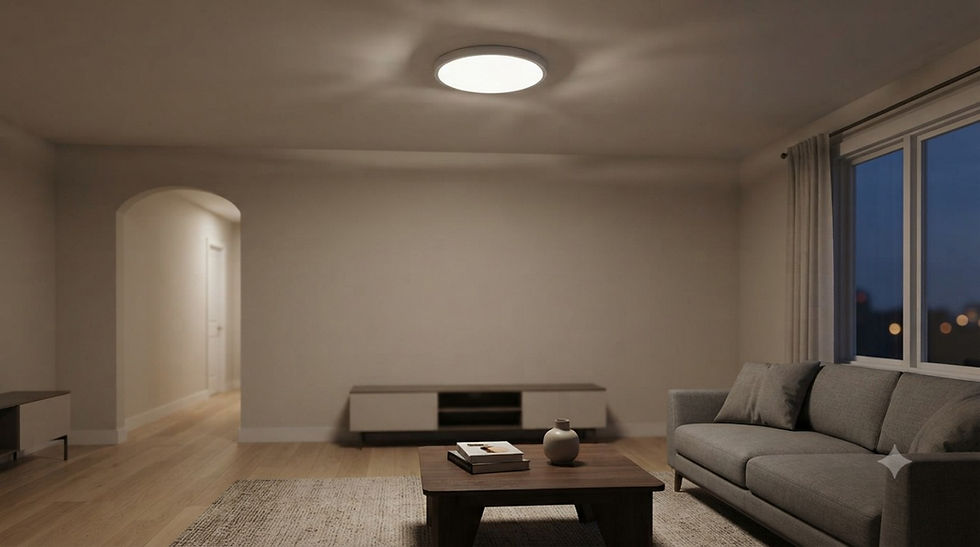
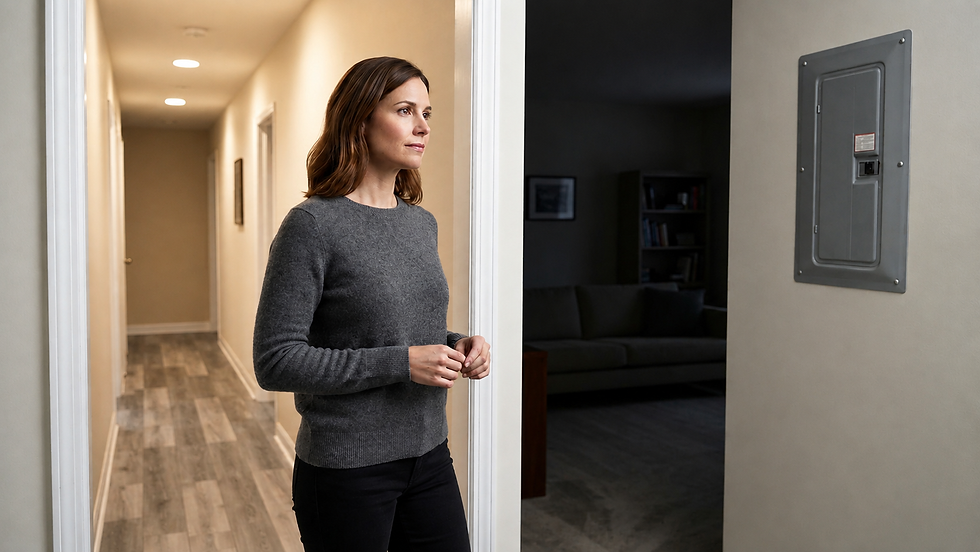
Check nearby devices without plugging in test tools or moving heavy appliances. If only one lamp or fixture is dead while everything else works, the problem is likely local to that bulb, fixture, or control. If several lights or outlets in the same room are out, treat it as a shared power issue. If power is out in one room while the breaker appears on, follow the broader pattern in our related guide rather than opening a switch box.
For a room-wide outage, see Power Out in One Room but Breaker Isn’t Tripped? 5 Safe Checks Before You Call an Electrician.
If the problem appeared after water intrusion, a leak, storm damage, a recent renovation, a damaged cord, or a burning odor, stop here. Do not energize or test wet or damaged electrical equipment. A qualified electrician should evaluate it.
4. Look for an Accessible GFCI That May Protect the Circuit
Some lighting or nearby receptacles may be downstream of a GFCI device, especially in bathrooms, kitchens, garages, basements, laundry areas, and outdoor locations. Look for an obvious GFCI receptacle with TEST and RESET buttons in the same area or an adjacent room. Only use the normal RESET button when the device is dry, undamaged, cool, and free of odor or noise.
If the RESET button will not stay in, the device trips again, or you are unsure which GFCI controls the light, stop. Do not hold the button, tape it, bypass it, or replace the device as a diagnostic shortcut. A GFCI that will not reset can be responding to a real fault or loss of upstream power.
5. Check the Breaker Once—Without Opening the Panel
Only approach the electrical panel if the area is dry, the cover is intact, there is no heat, odor, buzzing, sparking, rust, or damage, and you can reach it normally. Look for a breaker handle that sits between ON and OFF or is clearly in the tripped position. Follow the panel labeling and breaker manufacturer’s normal reset motion: fully to OFF, then back to ON, once.
Do not remove the dead front or panel cover. Do not tighten anything, probe voltage, touch service equipment, or keep resetting a breaker. If the breaker trips again, will not reset, feels hot, or the labeling is unclear, leave it off and call an electrician.
If repeated trips are part of the symptom, use Circuit Breaker Keeps Tripping? Safe Checks Before You Reset It Again for the safe stop points.
What the Result Usually Tells You
A known-good, correctly rated bulb restores the light: the old bulb was likely the issue. Stop if the replacement flickers, buzzes, overheats, or fails again quickly.
The fixture works from another normal control: review the intended three-way, remote, sensor, timer, or smart-bulb operation. An abnormal wall switch still needs service.
Several nearby lights or outlets are dead: investigate the shared GFCI or breaker pattern only through normal controls; do not open boxes.
A breaker or GFCI restores power and stays set: monitor the circuit. A repeat trip is a stop condition, not an invitation to reset again.
Power is present elsewhere but the light remains dead with a known-good bulb: the fixture, switch, or circuit may need professional testing.
The light flickers or the switch buzzes, feels warm, smells hot, or shows discoloration: stop using it and arrange electrical service.
If the symptom is flicker rather than a fully dead light, read Lights Flickering in One Room? 4 Safe Checks Before You Call an Electrician for a pattern-based check.
What Not to Do
Do not remove the switch plate, pull the switch from the box, or touch conductors or terminals.
Do not use a screwdriver, meter, noncontact tester, jumper wire, or improvised tool inside a switch box or panel.
Do not bypass a GFCI, breaker, dimmer, occupancy sensor, or other safety or control device.
Do not install a higher-wattage bulb than the fixture allows or use an incompatible lamp to force a result.
Do not keep cycling a switch, GFCI, or breaker when the fault returns.
Do not test equipment that is wet, scorched, cracked, hot, loose, or producing odor, noise, sparks, or smoke.
When to Call a Licensed Electrician
Call promptly if the external checks do not restore the light, the switch behavior is inconsistent, the device is loose or damaged, or the problem returns. A licensed electrician can isolate the circuit, test the switch and fixture safely, verify grounding and connections, and determine whether the fault is local or upstream.
Treat heat, discoloration, burning odor, buzzing or sizzling, sparks, shock or tingling, repeated breaker or GFCI trips, water exposure, and smoke as urgent warning signs. Stop using the affected equipment. For active smoke or fire, get everyone out and contact emergency services; do not stay to troubleshoot.
Frequently Asked Questions
Can a bad bulb make a light switch seem broken?
Yes. A failed bulb is one of the most common reasons a switched light stays dark. Try only a correctly rated, known-good bulb in a fixture designed for normal bulb replacement. A new bulb that immediately fails, flickers, buzzes, or overheats points to a different problem.
Can a three-way switch make the other switch look dead?
The position of one three-way switch can change how the other feels in use, but either control should still operate the light through its normal range. If the light works only when a switch is held, wiggled, or placed between positions, stop using it and call an electrician.
Why is the breaker on if the light switch does nothing?
The bulb may have failed, the fixture may have another control, a downstream GFCI may have tripped, or a local switch, fixture, or connection may have a fault. A breaker handle can also be difficult to recognize when it sits between positions. Check it once from outside the closed panel; do not open the panel.
Should I replace the switch myself?
This guide does not recommend switch replacement as a diagnostic step. Replacement involves de-energizing, verifying absence of voltage, identifying conductors and grounding, and meeting local electrical requirements. If the safe external checks do not solve the problem, licensed service is the safer next step.
Official Safety and Manufacturer Sources
The safety boundaries in this guide are consistent with the U.S. Consumer Product Safety Commission Home Electrical Safety Checklist and CPSC guidance to treat unusually warm switches, odors, shocks, and other warning signs as reasons for qualified evaluation.
For product-specific lamp and dimmer behavior, consult the exact model documentation. Examples include Lutron’s Caséta in-wall dimmer troubleshooting and Lutron’s Maestro LED troubleshooting guidance.
The Electrical Safety Foundation International electrical safety guidance also identifies warm or discolored switches, buzzing, burning odor, and repeated trips as warning signs that warrant qualified help.
This article provides general safety information, not a diagnosis of a specific electrical system. Product designs, wiring methods, codes, and licensing requirements vary. Follow the instructions for your exact equipment and use a qualified professional whenever the condition is unclear.
Comments