
Ceiling Fan Won’t Turn On? Check the Controls Before the Wiring

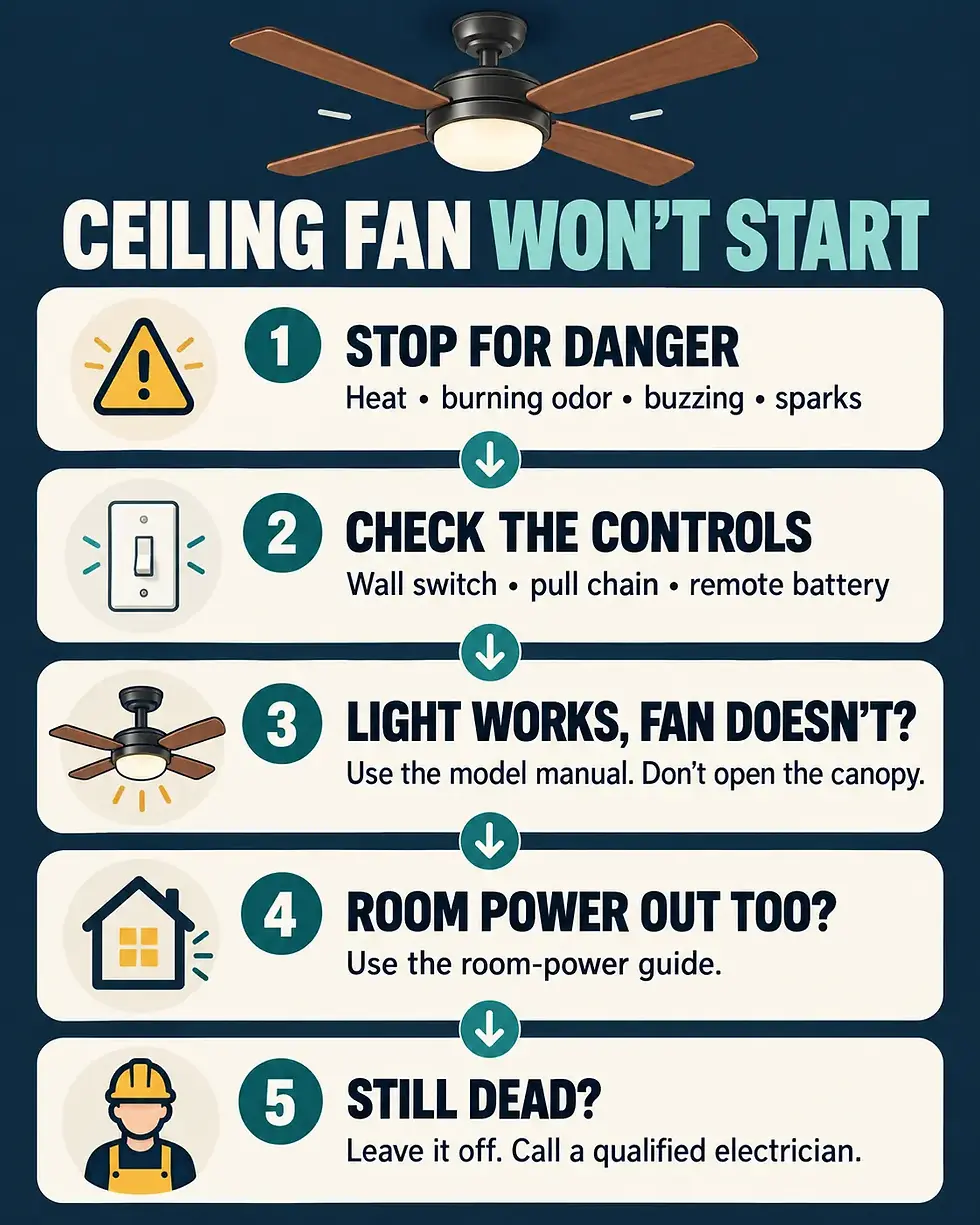
Stop and leave the fan off if you notice heat, a burning odor, buzzing or sizzling, sparks, smoke, scorch marks, a shock or tingle, or a loose or hanging fan. Do not touch the fan, open the canopy, or keep trying the controls. For smoke or fire, get everyone out and call emergency services.
A ceiling fan that will not turn on is often losing the command before it reaches the motor: the wall switch may be off, a pull-chain setting may be between positions, the remote battery may be dead, or the room may have a wider power problem. Start with the controls you can use normally from the floor. If those checks do not restore operation, leave the fan off and move to the correct manufacturer support or a qualified electrician—do not open the fan to hunt for a wiring fault.
Quick check: five safe decisions
Danger signs present? Stop immediately and keep the fan off.
Confirm the normal wall switch is fully on.
If safely reachable from the floor, try the pull chain once through its normal setting.
Replace the remote battery and use only the model-specific pairing instructions.
Compare the fan light and nearby room power; the pattern tells you where to go next.
First, separate a control problem from a power problem
Use the fan’s normal controls only. Put the wall switch fully in the ON position. If the fan has a pull chain and you can reach it without climbing on furniture, give it one deliberate pull and wait. If the chain is hard to reach, the fan is loose, or you would need an unstable chair, skip this check.
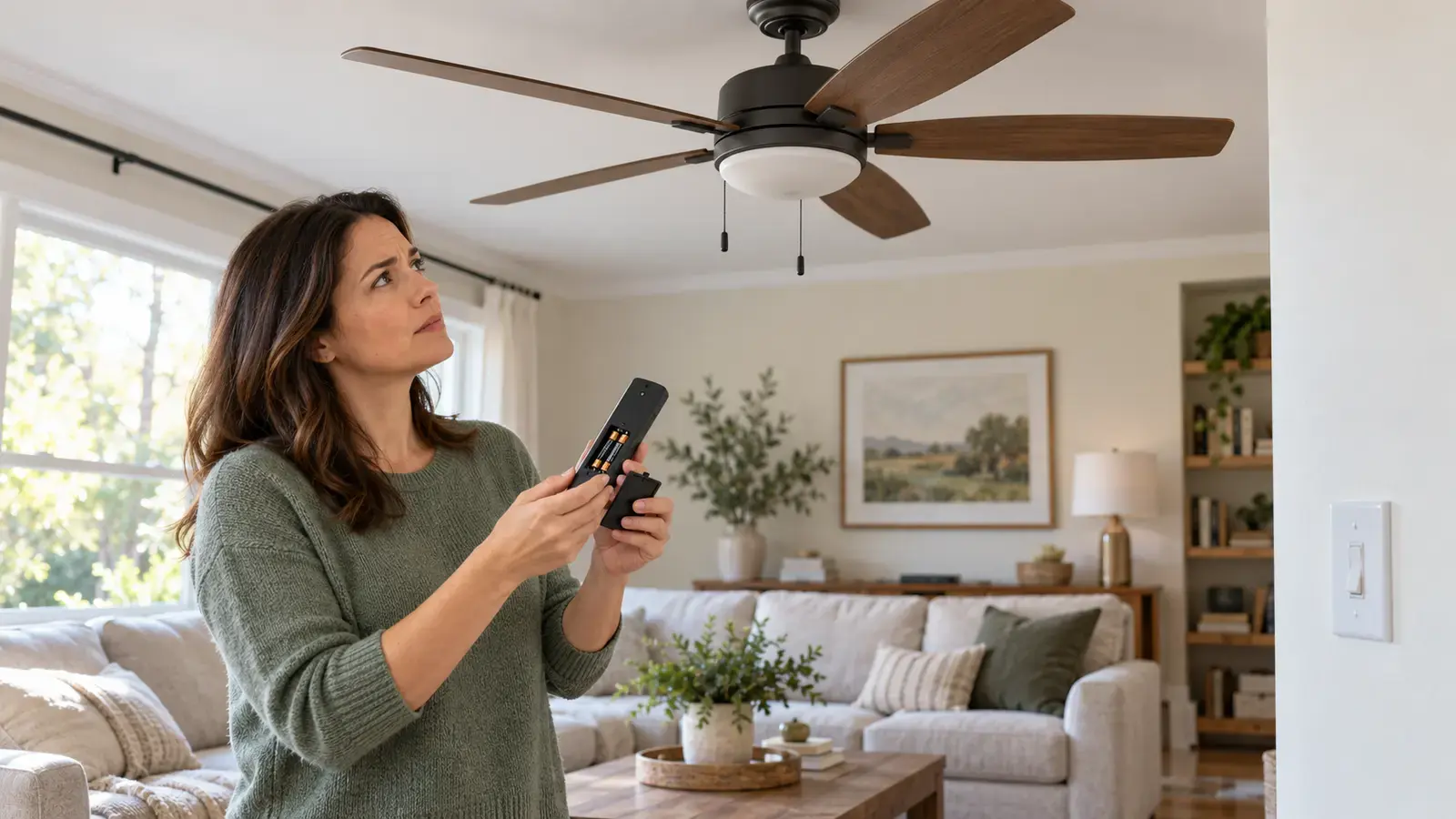
For a remote-controlled fan, install a fresh battery of the type marked inside the remote. Then look up the exact model manual before attempting a pairing sequence. Pairing steps vary by manufacturer and model; a random button sequence can unpair another fan or hide the real problem. Do not remove the canopy or reach the receiver.
Hunter’s own troubleshooting guidance starts with the normal power switch, pull chain, remote, and breaker context, and it directs owners to the model-specific manual for further help. Use the manufacturer’s troubleshooting page and manual finder only as model-specific references; this article intentionally stops before internal wiring checks.
What the symptom pattern tells you
Neither the fan nor its light works: the problem may be the wall control, remote, receiver, or the room’s power supply.
The light works but the blades do not: power is reaching at least part of the fixture, so a fan-control, receiver, or motor-side fault is more likely.
The fan works but the light does not: this is a light-specific branch; check only the bulb or user-replaceable light source allowed by the exact manual.
The remote is the only control that fails: a fresh battery or model-specific re-pair may solve it; otherwise the remote or receiver may need service.
A breaker trips, the control buzzes, or anything becomes hot: stop using the fan. Do not reset repeatedly.
If nearby lights or outlets are also dead
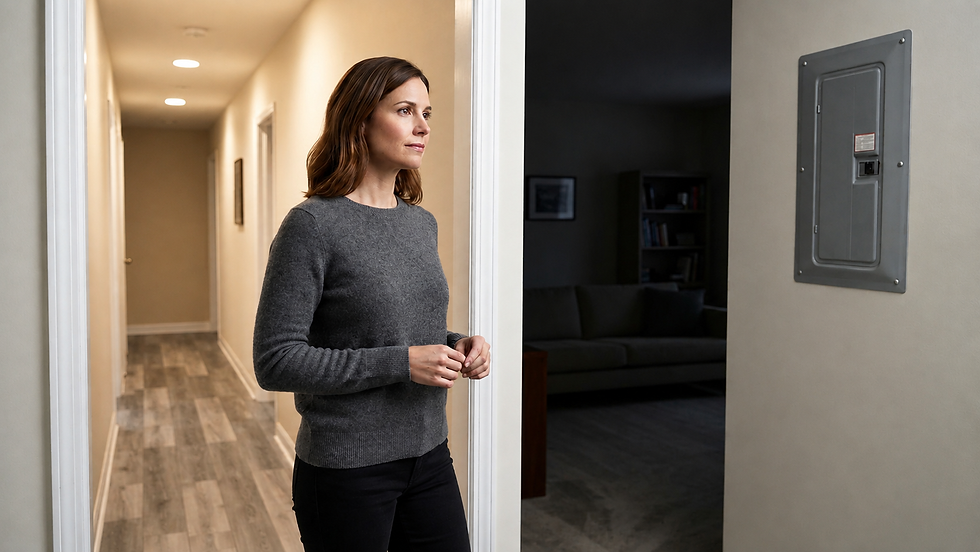
Check a nearby light or plug-in lamp without moving or opening anything. If the whole room or part of it is out, this is no longer just a ceiling-fan problem. Follow the one-room power outage guide for a safe way to describe the affected area before calling an electrician.
If the wall switch itself feels loose, does nothing, or shows heat or discoloration, leave it alone and use the light switch troubleshooting guide. Do not remove the faceplate or test the wiring.
A tripped breaker changes the decision
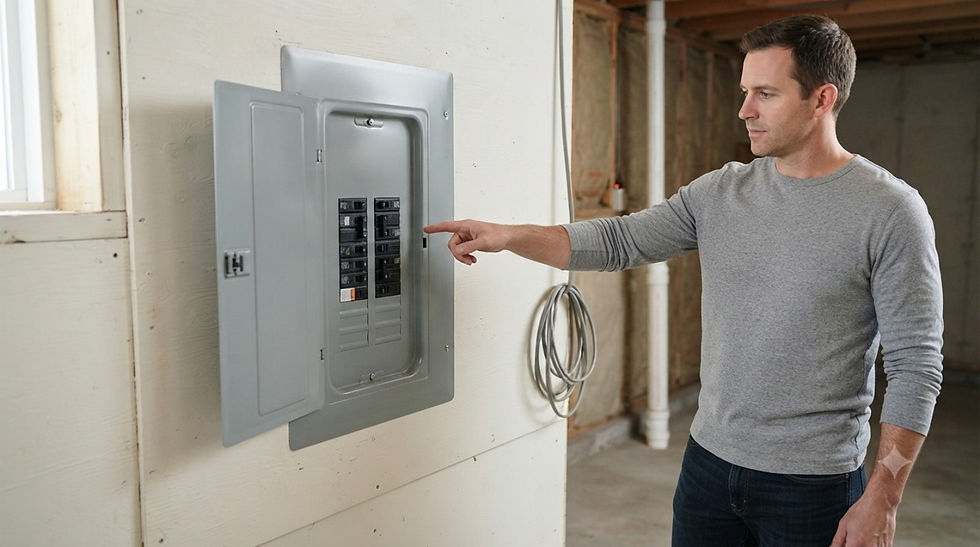
A breaker that trips again is a warning, not an invitation to keep resetting it. Leave the fan off and read the repeated breaker-trip safety guide. A qualified electrician should diagnose repeated trips, heat, odor, visible damage, or a switch that will not operate normally.
The U.S. Consumer Product Safety Commission lists arcs or sparks, unusual sizzling or buzzing, overheating, burned odors, and electric shocks as warning signs of wiring hazards. Its home electrical safety checklist and Guide to Home Wiring Hazards support stopping use and getting qualified help when these signs appear.
Do not open the fan to continue troubleshooting
Do not loosen or remove the canopy.
Do not touch, cap, reconnect, or probe wires.
Do not open a wall switch box or electrical panel.
Do not bypass a remote receiver, speed control, thermal device, or other protective component.
Do not keep cycling a breaker, GFCI, switch, or remote when the fan remains dead.
Do not spin the blades by hand as a test.
When to call a qualified electrician or manufacturer
Call a qualified electrician promptly for heat, burning odor, buzzing or sizzling, sparks, smoke, scorch marks, shocks, a loose wall control, repeated breaker trips, a fan that hangs or moves at the ceiling, or a fan that remains dead after the external control checks. Contact the manufacturer with the model number when the remote will not pair, a model-specific control is unavailable, or warranty service may apply.
If the fan is stable, shows no danger signs, and starts after a fresh remote battery or a normal control correction, monitor it during the next few uses. Stop immediately if operation becomes intermittent, noisy, hot, or accompanied by odor. A fan that repeatedly loses power still needs service even if it starts again.

Comments