

Oven Not Heating: What to Check First

Updated: Sep 5
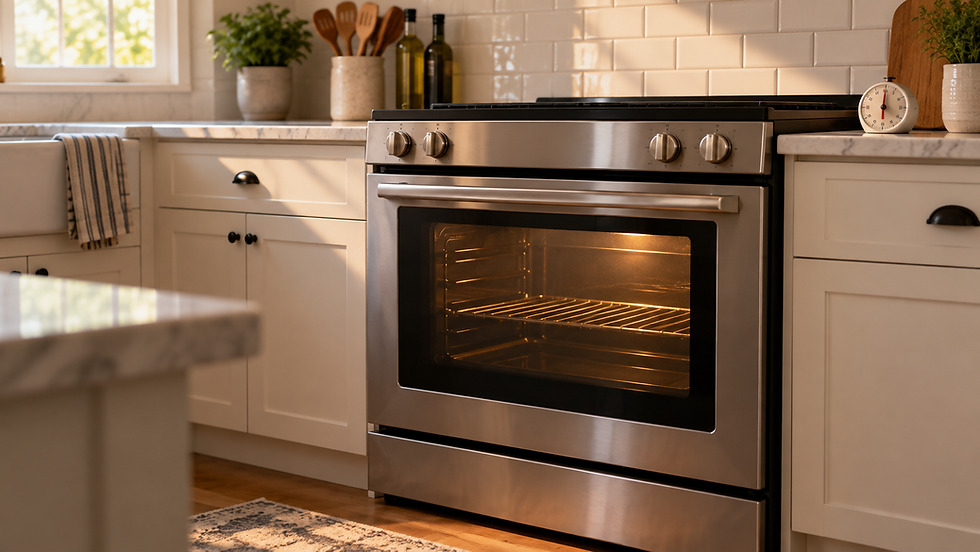
If your oven is not heating, start with the controls and the appliance’s basic power or fuel supply—not internal parts. A wrong mode, an unconfirmed Start command, a tripped breaker, a control lock, or a gas-supply issue can all prevent heating. If you smell gas, see smoke or sparking, or the breaker trips again, stop using the appliance and get qualified help.
What to check first
Confirm you selected Bake or the intended cooking mode, set a temperature, and pressed Start if your model requires it.
Look for Control Lock, Oven Lockout, Child Lock, Delay Start, or an error code on the display. Exact controls vary by model, so use the owner’s manual for the correct sequence.
Check whether the range has normal power. If the display is blank, check the household breaker once. Do not repeatedly reset a breaker that trips again.
Make sure the oven door is fully closed. Opening the door during cooking can delay heating and recovery.
For a gas range, you may visually confirm the position of an accessible household shutoff valve only if you already know its normal operating position. Do not turn, adjust, loosen, or reconnect any gas valve, fitting, regulator, or supply connection as part of this troubleshooting guide. If you smell gas, do not keep troubleshooting—leave the area and follow your gas utility or emergency guidance.
If the oven has power but still does not heat
A powered display does not prove the heating system itself is working. On electric ranges, a heating element, control, sensor, wiring, or power-supply fault may require service. On gas ranges, ignition or gas-delivery faults may prevent the bake burner from lighting. These are not good DIY disassembly jobs because they can involve high voltage, hot components, or combustible gas.
A useful clue: do the surface burners work?
On a gas range, a surface burner that lights normally can suggest the home has gas supply, while an oven-only no-heat problem points elsewhere. If no gas burners light, treat it as a supply or appliance problem and avoid taking the range apart. On an electric range, cooktop operation does not rule out an oven-specific fault.
When to stop and call for service
You smell gas or hear gas flowing without ignition.
The breaker trips again after one reset, or you see sparking, scorching, or a damaged cord or outlet.
An error code returns after the manufacturer-approved reset.
The oven remains cold after settings, lock/delay features, door position, and basic power checks are confirmed.
The next step would require removing panels, testing live voltage, accessing wiring, replacing an igniter or element, or working on a gas connection.
Official guidance used
The checks above were cross-checked against current LG USA support guidance for gas and electric ranges. Model-specific instructions can differ, so your owner’s manual takes priority for control sequences and specifications.
Bottom line
Start with settings, Start confirmation, locks or delays, the door, and basic power. Gas-range owners should follow only non-invasive supply checks explicitly described in the exact model’s manual. This guide does not recommend adjusting gas valves, fittings, regulators, or connections. If those checks do not restore heat, keep the oven off and have a qualified appliance technician diagnose the heating or ignition system.
Related troubleshooting guides
Browse more Ovens & Ranges troubleshooting guides for related problems and safe checks.
Browse more Appliances troubleshooting guides for related problems and safe checks.
Comments